What to Confirm Before RFQ
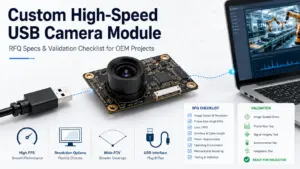
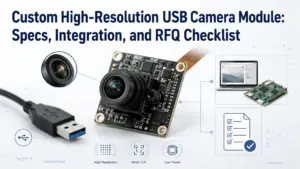
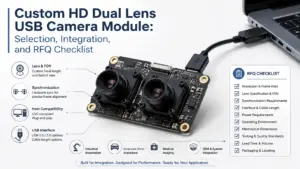
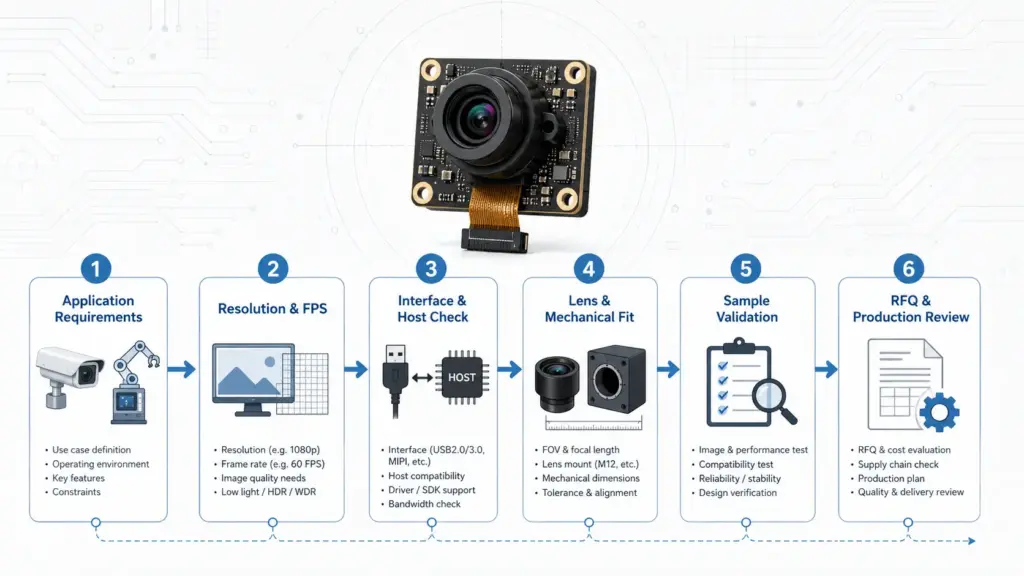
A custom high-resolution USB camera module should be selected by application fit, not megapixel count alone. Before RFQ, confirm resolution and FPS, USB interface, UVC or driver needs, lens/FOV, lighting, host platform, PCB size, cable/connector, validation stage, quantity estimate, drawings, and document requirements.
Start With the Application, Not the Megapixel Count
Many projects start with a simple request: “We need a high-resolution USB camera module.” That is understandable, but it is not enough for an OEM or embedded product decision.
Resolution affects image detail, but the final result also depends on frame rate, interface bandwidth, lens choice, field of view, lighting, host processing, mechanical fit, firmware or software behavior, and validation conditions. Supertek’s high-resolution USB camera module page uses the same selection principle: do not compare resolution alone; review resolution together with FPS, USB interface, UVC or driver needs, lens/FOV, lighting, board size, connector design, host platform, and customization needs.
For a custom project, start with the use case. Is the module reading codes, capturing product defects, supporting face access, documenting a process, scanning objects, or fitting inside a compact device? Each scenario changes the right specification path.
Requirement Matrix for OEM Buyers
| Requirement | What to Confirm | Why It Matters | RFQ Note |
|---|---|---|---|
| Application | Device type, target scene, user environment | Prevents choosing a camera spec that looks strong on paper but fails in the real use case | Describe the product and how the image will be used |
| Resolution | Minimum usable image size or detail level | Higher resolution can help capture detail, but it can also increase data load | Share the minimum usable target, not only the maximum desired resolution |
| Frame rate | Required FPS at the target resolution | Smooth video, inspection, and motion capture have different needs | Specify resolution and FPS together |
| USB interface | USB2.0, USB3.x, connector, host device | Interface choice affects bandwidth and integration planning | Tell the supplier what host interface is available |
| UVC / driver | UVC expectation, OS, software environment | Driver behavior can affect integration time | List Windows, Linux, Android, or embedded host requirements |
| Lens / FOV | Working distance, target object size, viewing area | Lens choice affects image coverage, focus, and usable detail | Include drawings, target distance, or sample images if available |
| Mechanical fit | PCB size, mounting, enclosure space, cable route | A good image module may still fail if it does not fit the product | Send drawings, size limits, and connector direction |
| Documents | Datasheet, drawing, test info, certificate needs if applicable | Procurement and engineering teams need to know what can be reviewed | Ask what documents are available for the selected project |
Resolution, Frame Rate, and Bandwidth Trade-Offs
High resolution is useful when the application needs more image detail, larger capture areas, or post-capture cropping. But higher resolution can also increase data volume. If the project also requires high FPS, the interface, host processing, image format, and software pipeline become more important.
This is why resolution should be discussed together with frame rate. A still-image capture tool, a low-speed inspection device, and a real-time video system may all need different camera module choices even if they use the same megapixel target.
| Decision Point | What to Ask | Safe Planning Logic |
|---|---|---|
| Resolution target | What detail must the system actually recognize? | Define the minimum usable image result before asking for the highest available resolution |
| FPS target | Is the target static, slow-moving, or fast-moving? | FPS should be confirmed at the target resolution and format |
| Image format | MJPEG, YUY2, RAW, or another format? | Format can affect bandwidth, processing, and software handling |
| Host processing | What processor or embedded platform receives the image? | A high-resolution stream may require more host-side resources |
| Interface bandwidth | Is the host USB interface suitable for the target stream? | Interface capability should be checked early, especially for high-resolution or high-FPS video |
Technical camera-interface references also treat bandwidth, cable length, host connection, and multi-camera requirements as interface-selection factors. Use that logic as a planning guide, not as a product-specific performance promise.
USB Interface, UVC, and Host Compatibility
For USB camera module projects, interface planning should happen early. Do not wait until the mechanical design is finished to ask whether the host, cable, connector, and software environment can support the image stream.
USB3.x may be considered when the project needs higher data transfer capability than a lower-bandwidth setup can support. USB-IF states that USB 3.2 identifies 20Gbps, 10Gbps, and 5Gbps transfer-rate classes.
UVC is also important, but it should not be treated as a universal guarantee. USB-IF provides the UVC v1.5 document set, including class specification and related video payload documents. For an OEM project, the safe question is not only “Is it UVC?” but also “How will this selected module behave with our host OS, capture software, firmware, and required image format?”
| Topic | What to Confirm | Risk to Avoid |
|---|---|---|
| USB2.0 vs USB3.x | Host port, connector, cable, resolution, FPS, format | Assuming the interface can support the target stream without validation |
| UVC behavior | Module support, OS support, capture software behavior | Assuming driver-free operation in every host environment |
| Cable and connector | Cable length, direction, shielding needs, connector type | Discovering cable-routing problems after enclosure design |
| Embedded host | Processor, OS, SDK/capture method, power limits | Choosing a module before checking system-level compatibility |
| Software environment | Capture app, image format, firmware needs | Treating image output as only a hardware issue |
Lens, FOV, Working Distance, and Lighting
The lens is not a minor accessory in a high-resolution camera module. If the field of view is wrong, the module may miss the target area. If the working distance is wrong, the image may not be sharp where it matters. If the lighting condition is not defined, the selected sensor and lens may not produce the expected result.
Lens-selection references emphasize comparing the required field of view, set by application needs, with the field-of-view specification at the working distance or other constrained parameters.
For an OEM buyer, the practical question is simple: what must the camera see, from what distance, under what lighting, and inside what physical space?
- Target object size
- Working distance
- Required field of view
- Focus type: fixed focus, autofocus, or other project-specific need
- Lighting condition: controlled light, low light, outdoor light, IR, or mixed light
- Distortion tolerance
- Lens height and enclosure clearance
- Dust, vibration, or assembly constraints
- Sample image or target scene if available
Do not assume every lens, FOV, or focus option is available for every module. Treat these as review topics until the selected project and module path are confirmed.
Customization Scope: What May Need Engineering Review
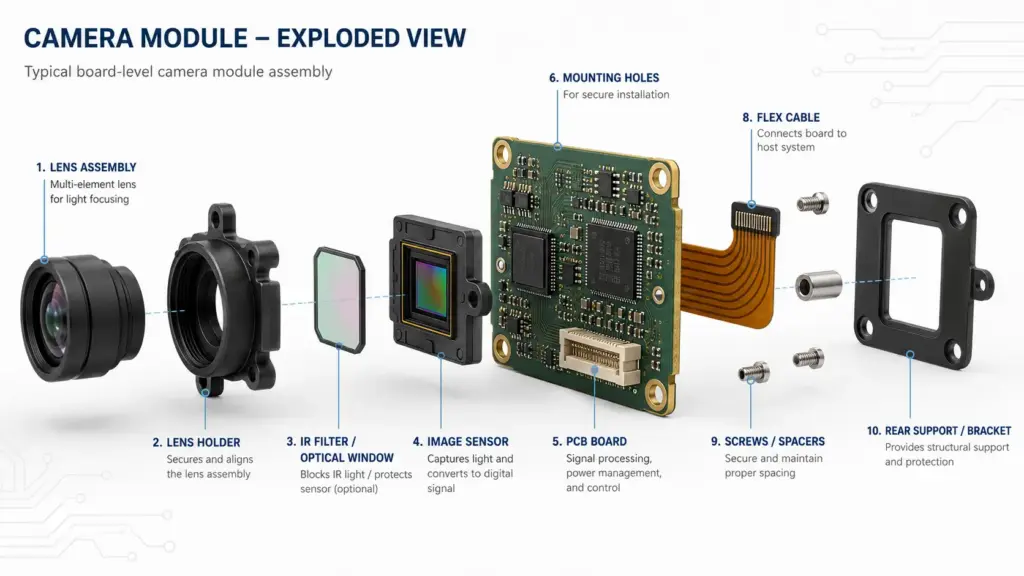
A custom high-resolution USB camera module may be needed when a standard module does not match the product’s optical, mechanical, electrical, or software requirements.
Supertek’s customized camera module page asks buyers to prepare application conditions, target image result, drawings or sample reference, interface preference, platform, quantity range, and document needs for project review. It also states that buyers should prepare application, lighting condition, resolution/frame rate, lens/FOV, module size, interface, cable/connector, OS/platform, quantity, and document requirements before requesting a customized module.
Use the checklist below to prepare a customization discussion. The exact scope should still be confirmed for the specific project.
| Review Area | Examples to Discuss | What to Prepare |
|---|---|---|
| Sensor direction | Resolution, image format, low-light needs, dynamic range needs | Target image result and use case |
| Lens / FOV | FOV, working distance, focus type, lens height | Target scene, distance, enclosure limits |
| PCB / FPC | Board size, shape, mounting space, connector position | Mechanical drawing or space limit |
| Cable / connector | Cable length, connector type, routing direction | Assembly drawing or connector preference |
| Housing / enclosure | Product shell, mounting, lens window | Enclosure drawing or sample product |
| Firmware / software | UVC behavior, image settings, SDK or app needs | Host OS, capture software, integration notes |
| Validation | Sample test plan, image target, mechanical fit check | Test environment and acceptance criteria |
Validation Before Sampling or Production
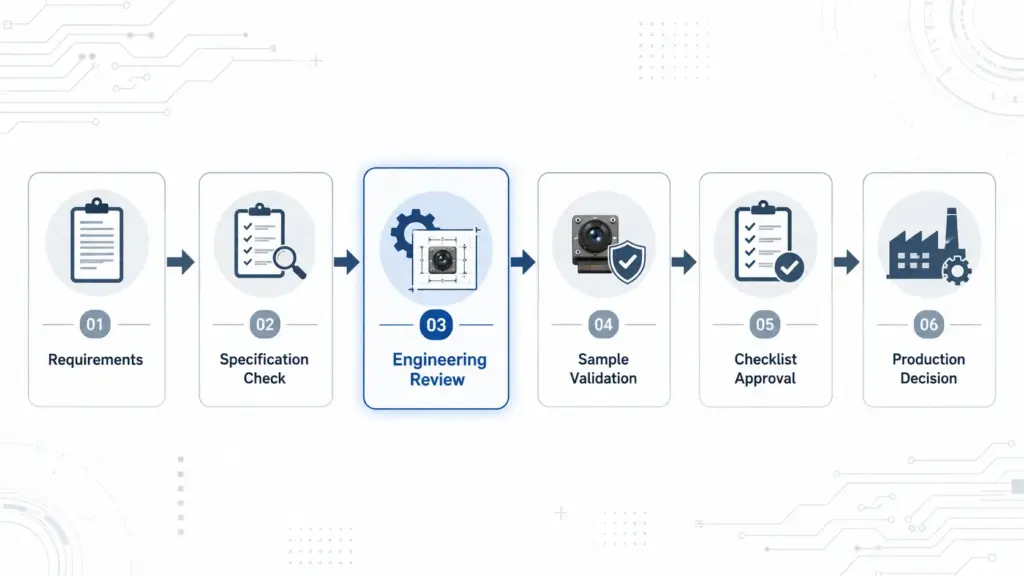
A custom camera module should be reviewed before the project moves into sampling or production planning. The goal is not to create a universal pass/fail rule. The goal is to reduce avoidable mismatch.
Validation should cover the complete system: image result, lighting, host platform, interface, cable, connector, software, mechanical fit, and document needs.
- Test the target resolution and FPS together.
- Check the module on the intended host platform.
- Confirm whether the expected UVC or driver behavior works with the capture software.
- Review lens/FOV at the real working distance.
- Test lighting conditions that match the final product environment.
- Check PCB size, lens height, mounting, and cable routing inside the enclosure.
- Confirm image format and processing load.
- Record sample settings and revision details.
- Ask what documents are available for the selected module or project path.
- Keep compliance or regulated-use questions separate until documentation is reviewed.
This section should stay conservative. Do not claim that a module is suitable for medical, automotive, security, or other regulated applications unless the project has specific documents and approval.
RFQ Checklist for a Custom High-Resolution USB Camera Module
A clear RFQ helps the supplier understand whether the request is a standard module review, a limited modification, or a deeper custom engineering review. It also helps engineering and procurement teams avoid repeated clarification emails.
Send as much of the following as possible:
| RFQ Item | What to Include |
|---|---|
| Application | Product type, target scene, image purpose |
| Image target | Required detail level, sample image, target object size |
| Resolution / FPS | Target resolution and required frame rate together |
| Interface | USB2.0, USB3.x, connector, host port, cable preference |
| UVC / driver | OS, capture software, UVC expectation, SDK needs |
| Lens / FOV | Working distance, FOV, focus type, lens height limit |
| Lighting | Indoor, outdoor, controlled, low-light, IR, or mixed lighting |
| Mechanical limits | PCB size, mounting, enclosure, cable route, connector direction |
| Host platform | Windows, Linux, Android, Jetson, Raspberry Pi, or other embedded platform if applicable |
| Quantity stage | Prototype, pilot, or production estimate |
| Documents | Datasheet, drawing, test information, certificate needs if applicable |
| Attachments | Drawings, sample product, enclosure photo, existing camera reference |
Documents and Commercial Terms to Confirm
For procurement, the safest question is not “Do you have every certificate and report?” The safer question is: “What documents are available for this selected module and project?”
- Product datasheet
- Mechanical drawing
- Lens/FOV notes
- Interface and image-format information
- Test conditions or inspection information
- Firmware/software notes if relevant
- Revision/change-control information
- Packaging details
- Compliance-related documents if required
- Warranty and commercial terms
- Sample and production quotation details
Do not assume that certificates, test reports, warranty terms, MOQ, lead time, or compliance documents apply to every product or every custom project. These items should be confirmed for the selected module, application, destination market, and order stage.
FAQ
What should I compare before choosing a custom high-resolution USB camera module?
Compare the application, target image result, resolution, FPS, USB interface, UVC or driver needs, lens and field of view, working distance, lighting, host platform, PCB size, cable and connector requirements, validation needs, document requirements, and quotation stage. The module should fit the complete device system, not only the image-size target.
Is higher resolution always better for a USB camera module?
No. Higher resolution can help capture more detail, but it can also increase data volume and make interface bandwidth, FPS, host processing, lens choice, lighting, storage, and software validation more important. The right resolution depends on the application, target detail, working distance, host system, and final image requirement.
What information should I send before requesting a custom USB camera module quote?
Send the application, target resolution and FPS, USB interface, host platform, operating system, UVC or driver expectation, lens and field of view, working distance, lighting, board size limits, cable and connector needs, quantity estimate, drawings or samples, validation stage, and document requirements.
When do I need a custom module instead of a standard USB camera module?
A standard module may be enough when the resolution, lens, board size, connector, cable, and host behavior already fit the product. A custom review may be needed when the module must fit a specific enclosure, field of view, working distance, interface, cable route, connector, firmware or software behavior, or validation requirement.
What is UVC, and does a UVC USB camera need a driver?
UVC refers to the USB Video Class specification family. It can simplify video-class integration in many cases, but it should not be treated as a universal driver-free guarantee. Confirm the selected module, host operating system, capture software, image format, and firmware behavior during validation.
How do USB2.0 and USB3.x affect high-resolution camera selection?
USB interface choice affects bandwidth and host compatibility planning. USB3.x may be considered for higher data-transfer requirements, while lower-bandwidth projects may not need it. The final choice should be checked against target resolution, FPS, image format, host interface, cable design, software environment, and selected module.
What documents should I ask for before purchasing?
Ask what is available for the selected module or project, such as datasheets, drawings, test conditions, inspection information, software notes, revision details, packaging information, warranty or commercial terms, and compliance-related documents if your application requires them. Do not assume every document applies to every project.
Send Your Camera Module Requirements for Review
If you need a custom high-resolution USB camera module for an OEM device, embedded system, inspection tool, kiosk, access device, or project-specific imaging product, prepare your requirements before asking for a quotation.
Share your application, target resolution and FPS, USB interface, host platform, OS, UVC or driver needs, lens/FOV, working distance, lighting, board-size limits, cable/connector requirements, estimated quantity, drawings or samples, validation needs, and document requirements.
This gives the technical team enough context to review whether a standard module, modified module, or deeper custom camera module discussion may fit your project.